Discovery and setup
We map your cost codes, project types, roles and approval flows, then configure D50 OS around how your company already works.

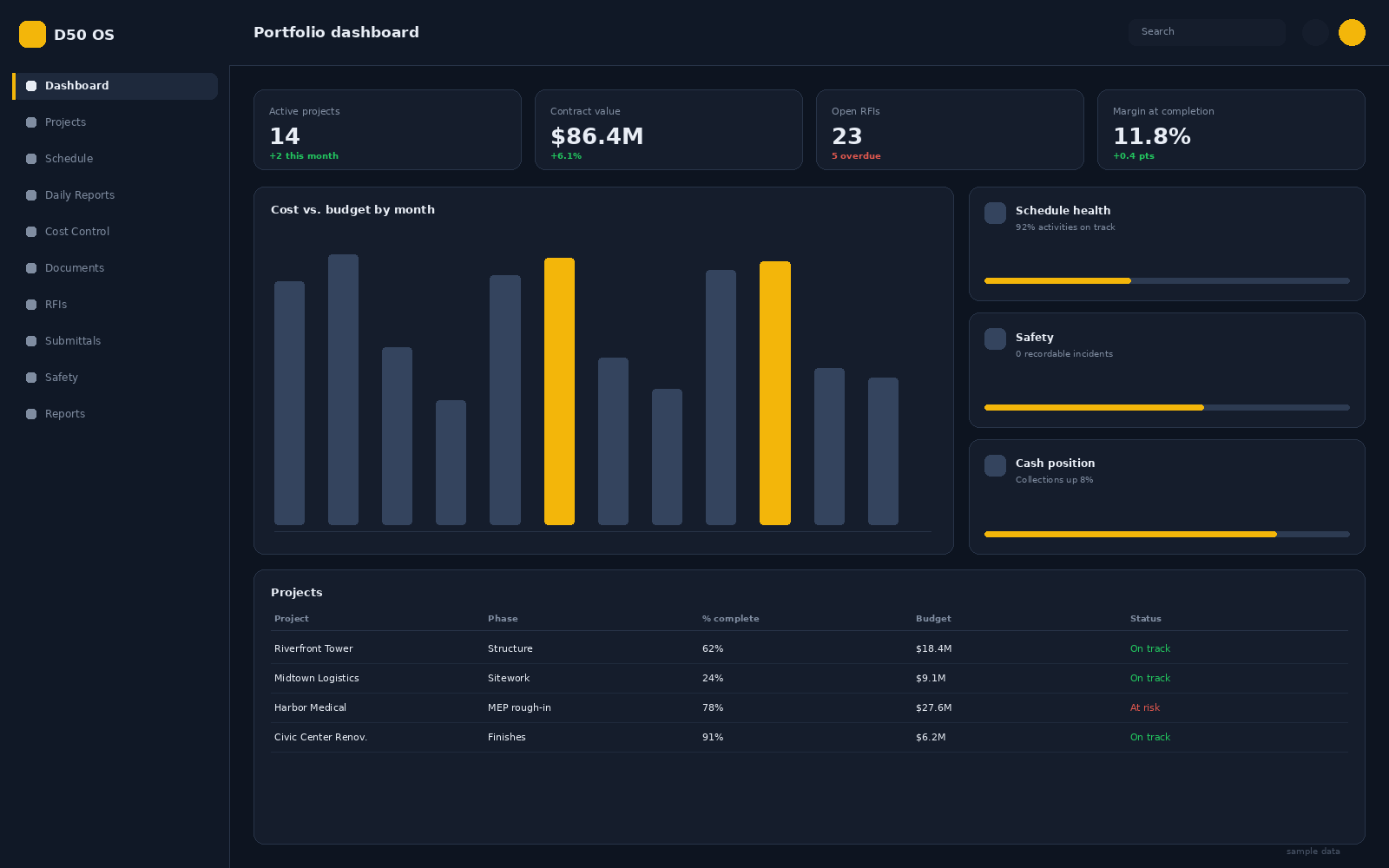
D50 OS brings preconstruction, scheduling, field reporting, cost control and closeout into one platform, so the office, the trailer and the owner all work from the same source of truth.
Trusted by contractors delivering over $500M of work every year




Switch on only the modules your teams need. D50 OS scales from a single project to a full portfolio without bolting on another tool or another login.
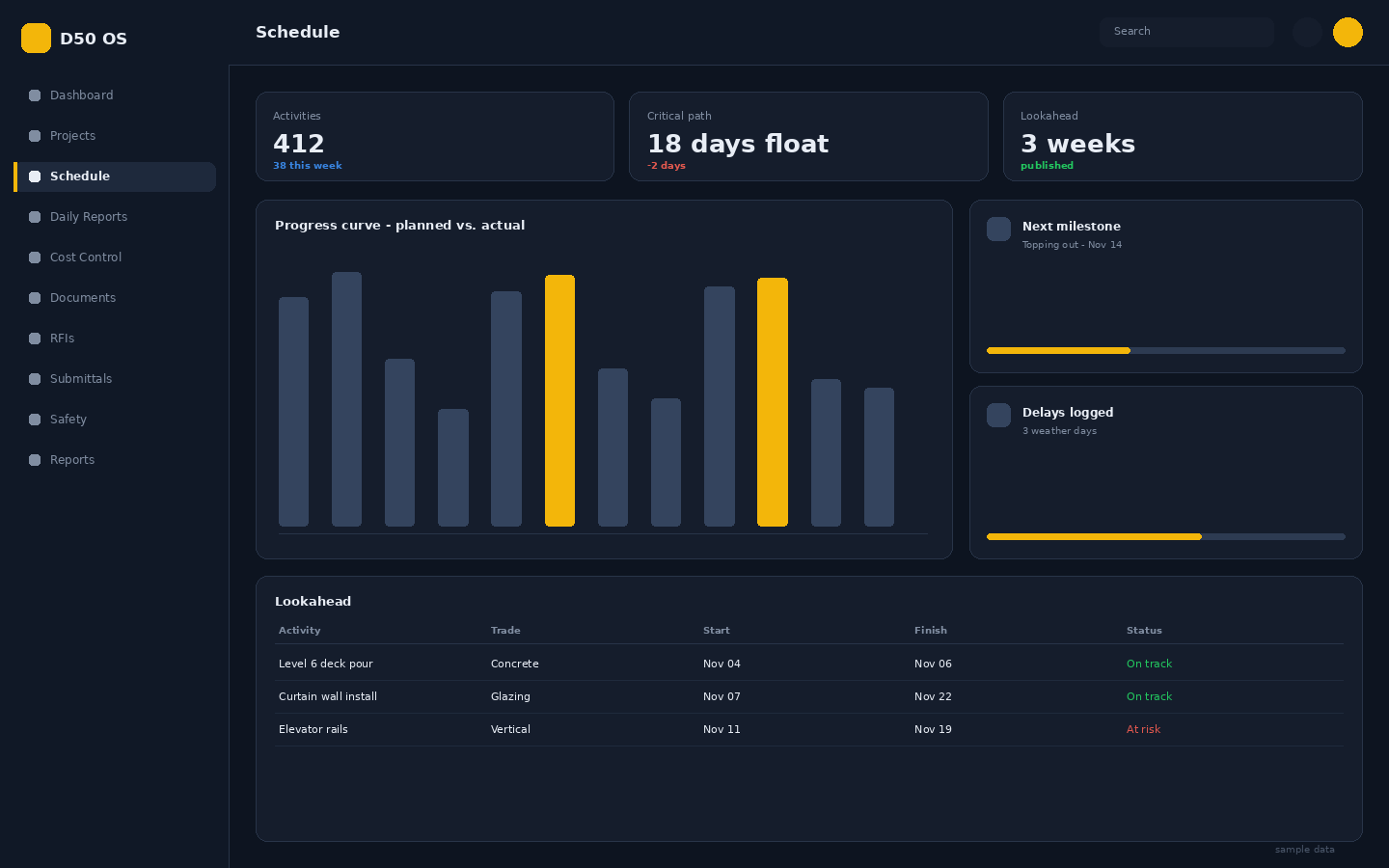
Baselines, six-week lookaheads and critical path that update from real field progress instead of a Friday afternoon guess.
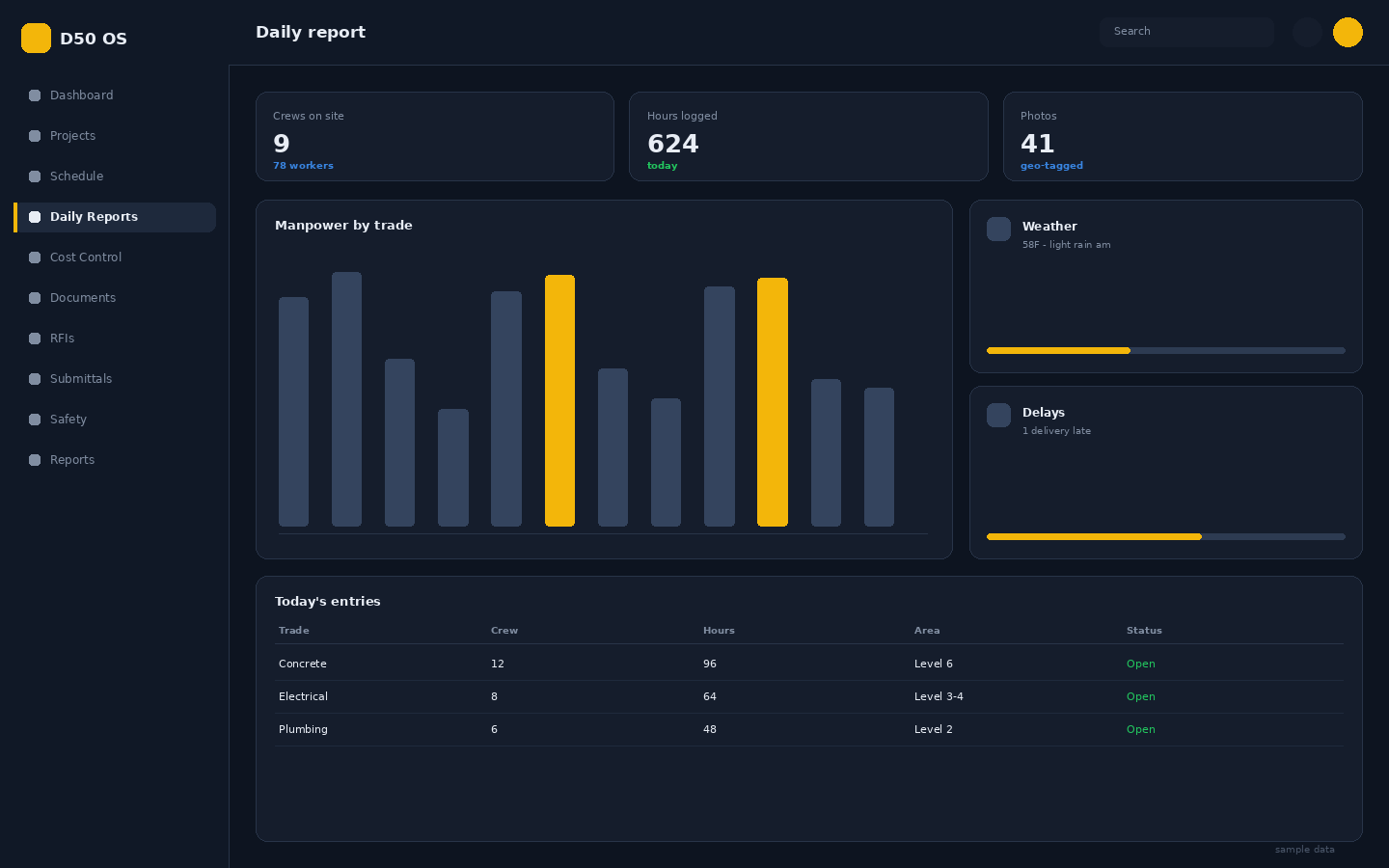
Crews, hours, weather, photos and delays captured from the phone in minutes.
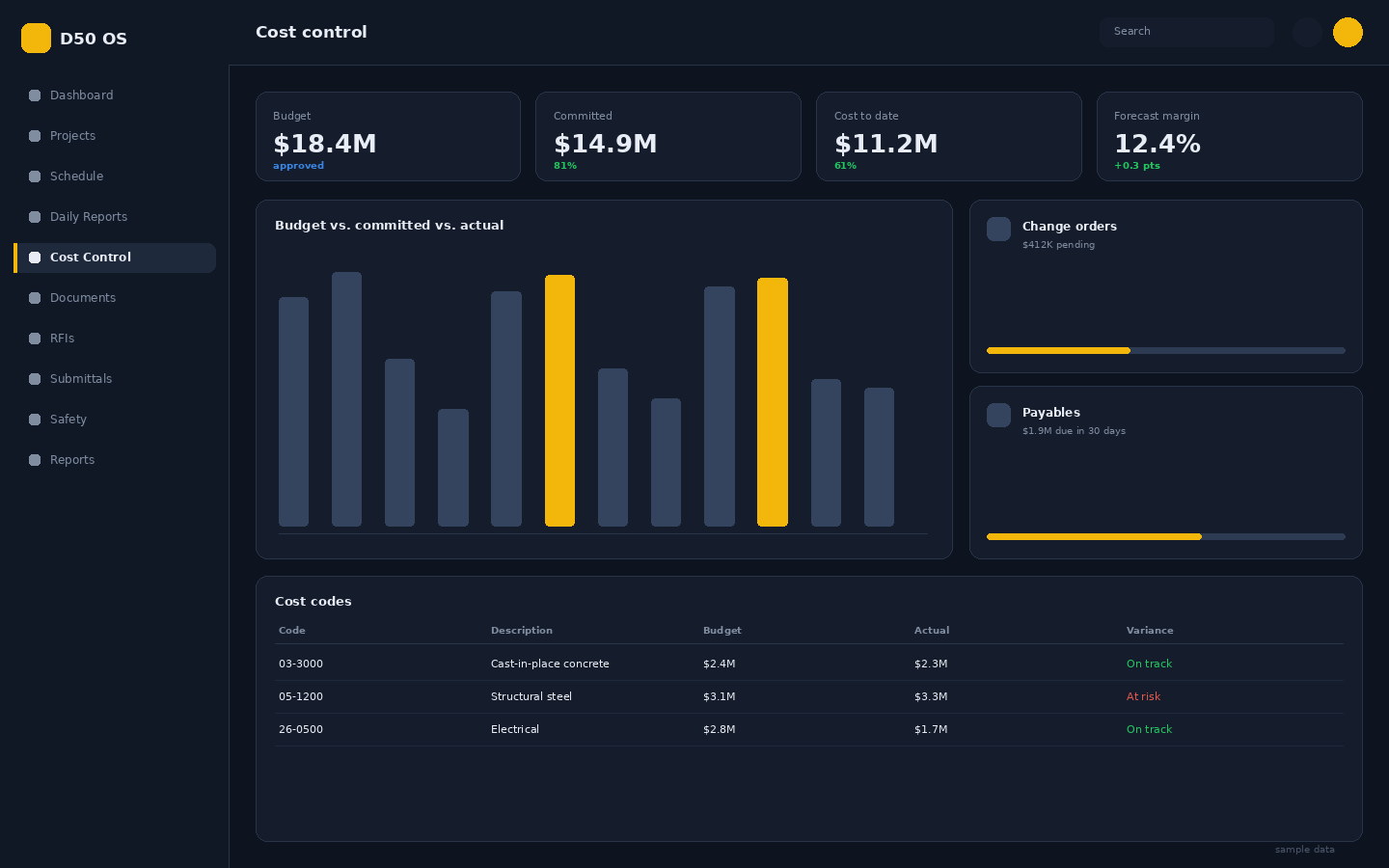
Budget, commitments, actuals and forecast margin in one live view.
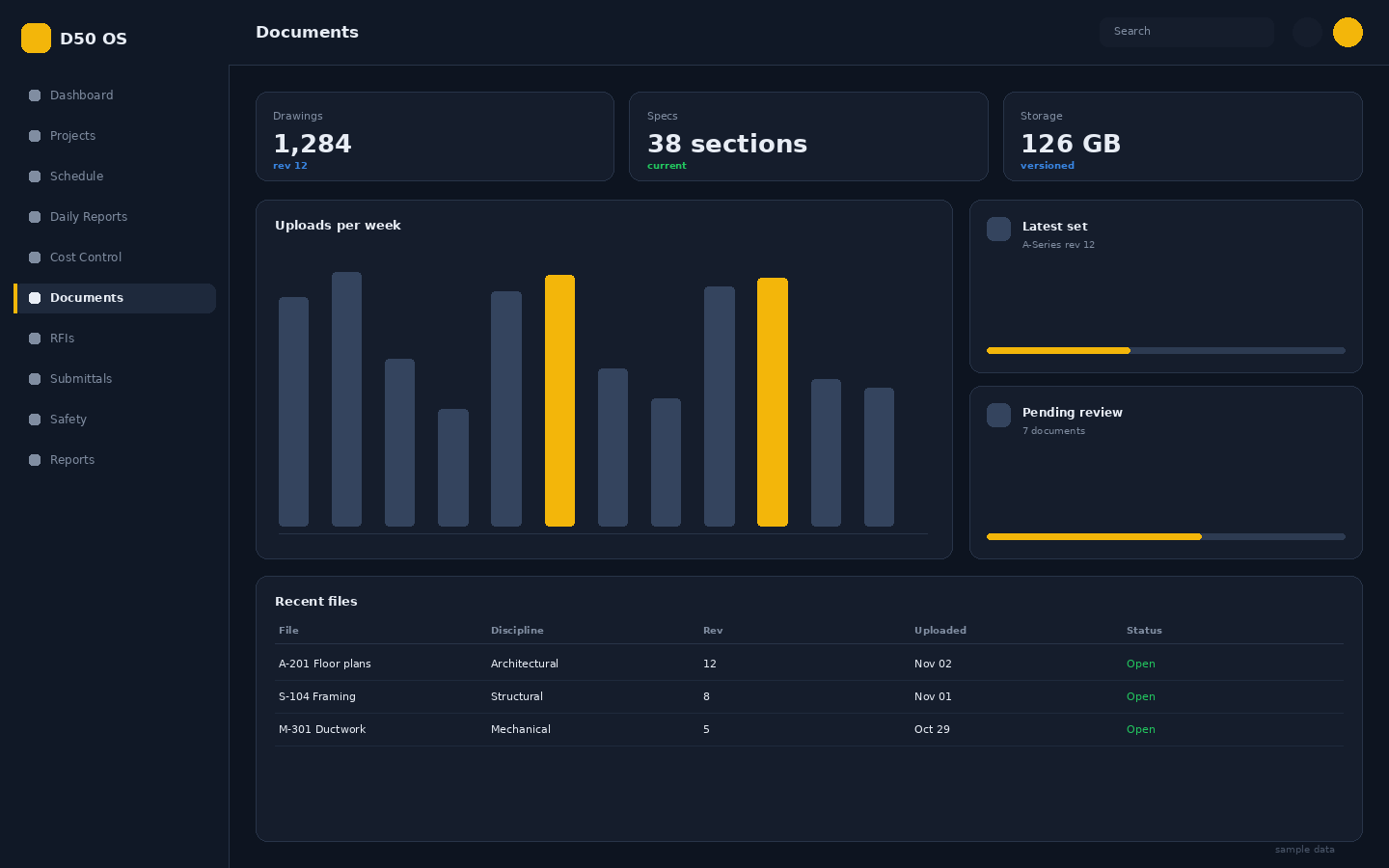
Versioned plan sets and specs with a complete audit trail.
Payroll-ready hours approved in the field, not re-keyed in the office.
Estimates, takeoffs, bid packages and subcontractor coverage in one board, so the number you win with is the number you build with.
Portfolio dashboards, monthly owner packets and margin trends that come straight from the data your teams already entered.
Pick a workflow to see what your teams get on day one.
Build the plan once, publish a rolling lookahead and let field progress keep it current.
Voice notes, photos, crews, equipment and hours captured on the phone, even with no signal.
Every commitment, invoice and change order rolls up to a live forecast by cost code.
Version-controlled drawings and specs, so nobody builds off a superseded sheet.
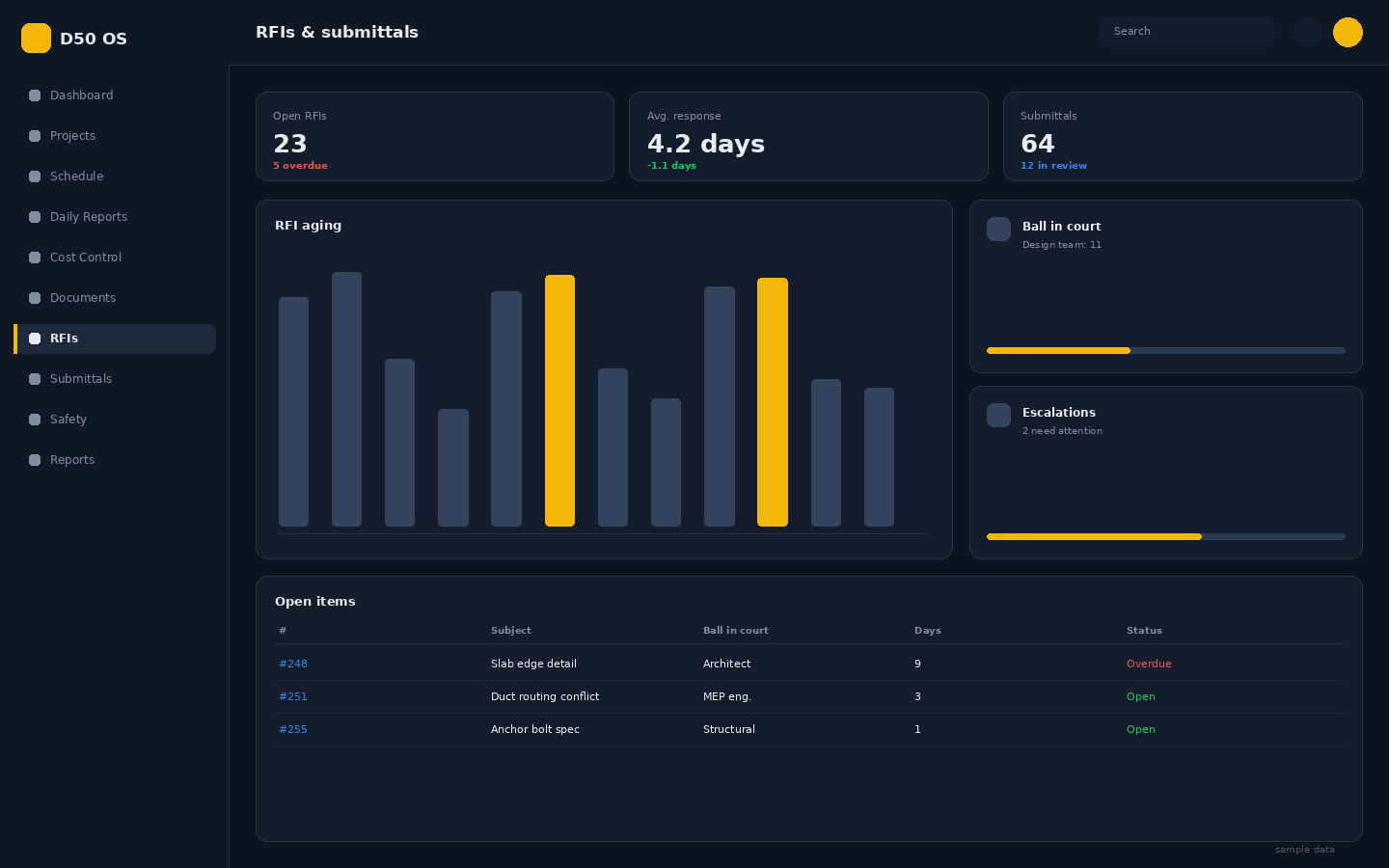
Ball-in-court tracking, aging alerts and full correspondence history per item.
Work managed on the platform
Faster daily reporting
Field adoption within 30 days
Functions, one login
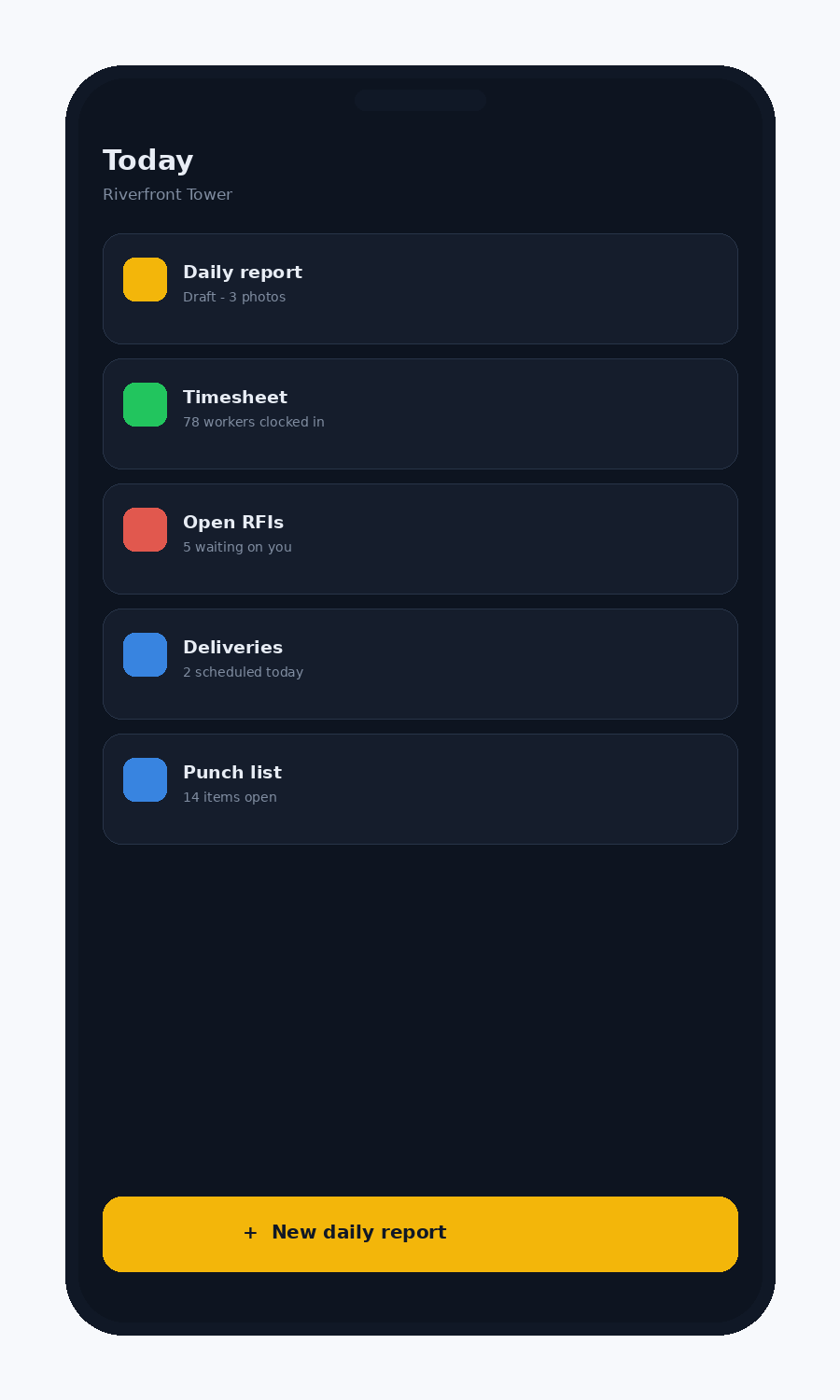
File daily reports, approve timesheets, answer RFIs and mark punch items from the field.
Everything works offline and syncs the moment you get signal.
A guided rollout run by people who have actually built the work.
We map your cost codes, project types, roles and approval flows, then configure D50 OS around how your company already works.
Active projects, budgets, contacts, drawings and open items are imported and reconciled against your current system.
Role-based sessions for PMs, superintendents, accounting and field crews, plus a short video library your team keeps.
We run alongside your team for the first full billing cycle and hand over a dedicated success contact.
"We replaced four tools and a mountain of spreadsheets. Our superintendents file daily reports before they leave the site, and I can see cost exposure the same afternoon."

"The scheduling and cost modules talk to each other, so a delay shows up as a dollar figure instead of an argument. That changed how we run owner meetings."
"Month-end used to take eight days. With commitments, payables and timesheets in one place we close in two, and the numbers hold up."
Built for companies that answer to owners, lenders and auditors.
TLS in transit and encryption at rest on every project record.
Every change is versioned with who, what and when.
Role and company level access down to the individual document.
Named success contact and same-business-day response.
A 30-minute working session with a construction specialist. No slide deck, no pressure. We will use your own workflow as the example.